What is KeyShield?
KeyShield is a free and open source keyboard and mouse lock utility designed for Windows 10 and 11. Whether you need to clean your keyboard, step away from your desk, or prevent accidental input, KeyShield gives you full control over your input devices with just a few clicks.
Key Features
Keyboard & Mouse Lock
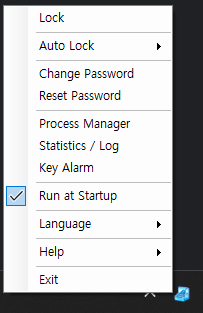
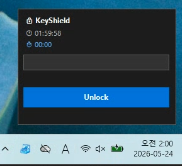
Lock your keyboard and mouse instantly from the system tray. No accidental clicks or keystrokes while you’re away.
Password Protection
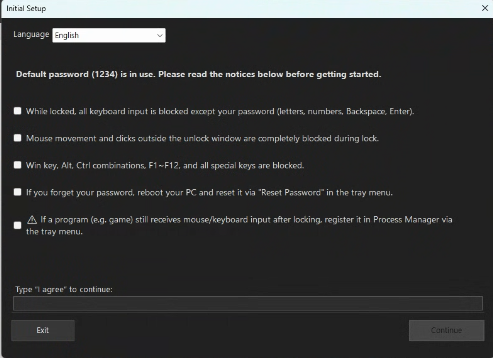
Set a password to unlock your keyboard and mouse. Keep your PC safe from unauthorized use.
Auto Lock Timer
Configure an auto-lock timer to automatically lock your keyboard and mouse after a set period of inactivity.
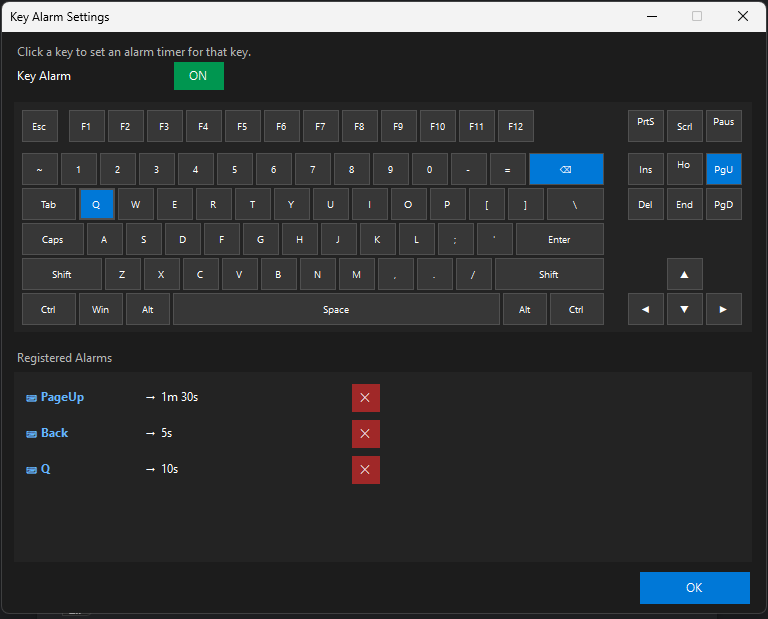
Key Alarm with Sound & Voice
Get notified with sound or voice alerts when a key is pressed while the keyboard is locked.
Lock Statistics & Log
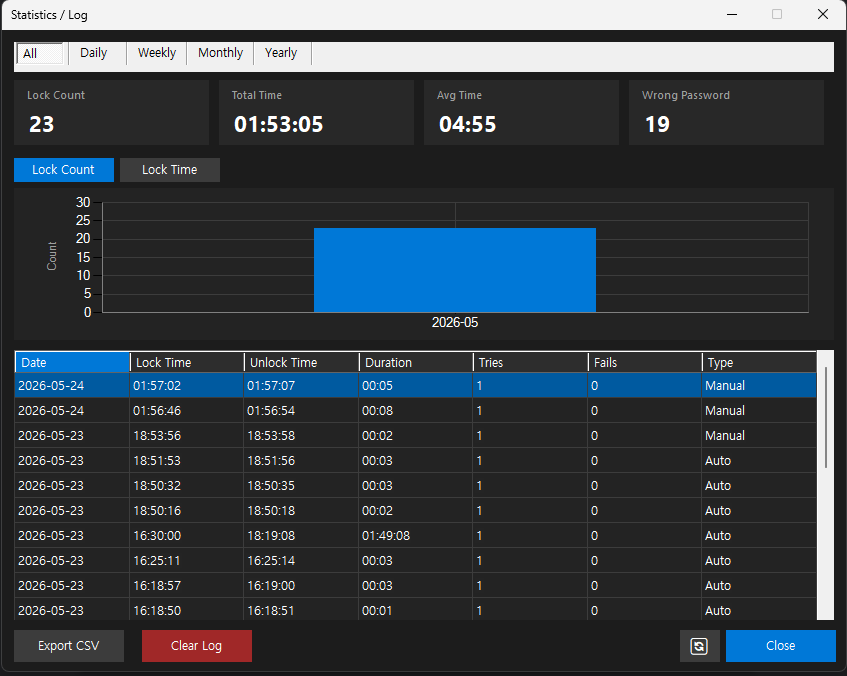
Track how often your keyboard and mouse are locked with detailed statistics and logs.
Process Manager
If a game or program still receives input while locked, register it in Process Manager. It will be minimized automatically when locked.
How to Use KeyShield
- Download and install KeyShield
- Launch the app — it runs in the system tray
- Click the tray icon to lock your keyboard and mouse
- Enter your password to unlock
System Requirements
- OS: Windows 10 / 11 (keyboard mouse lock windows)
- .NET 10.0 Runtime required
Download
KeyShield is completely free and open source. Download the latest version and protect your PC today.
Screenshots